

Free
€0
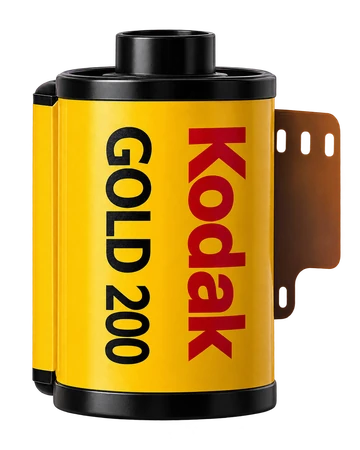
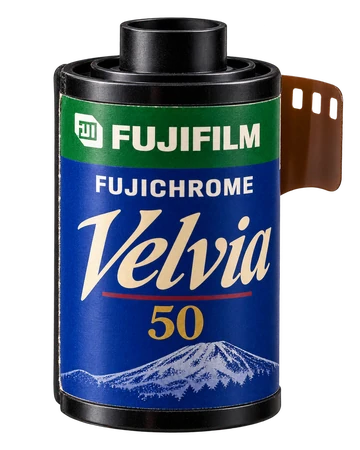
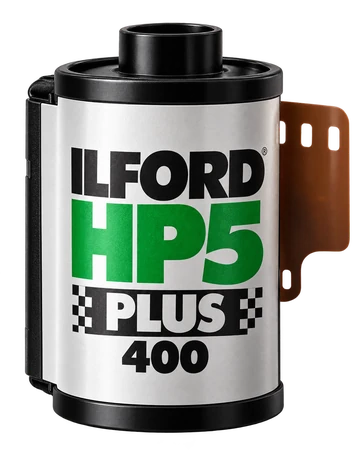
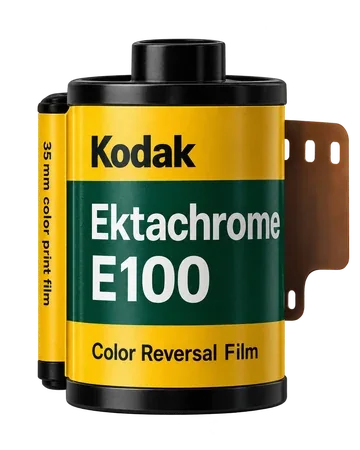
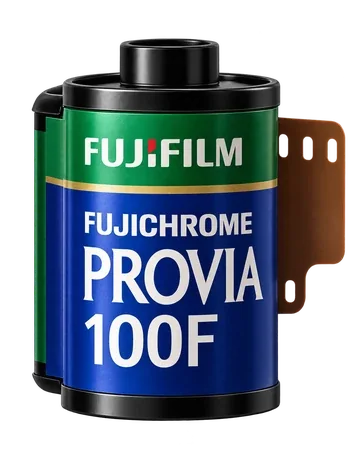
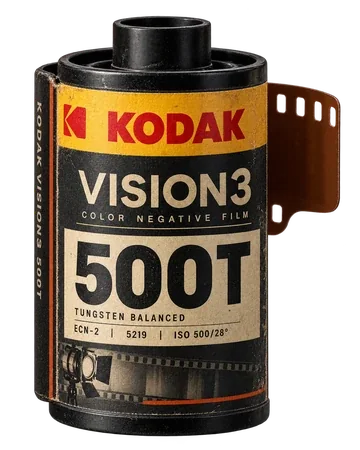
Four films to start exploring.
Follow the launchReal-time viewfinder · Live View
112 legendary emulsions, natural grain, and authentic chromatic response, right in your pocket.
112 films · iPhone and Android
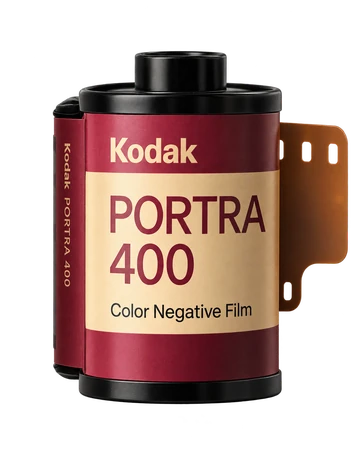
Your turn
Choose a scene, explore films and adjust the light.
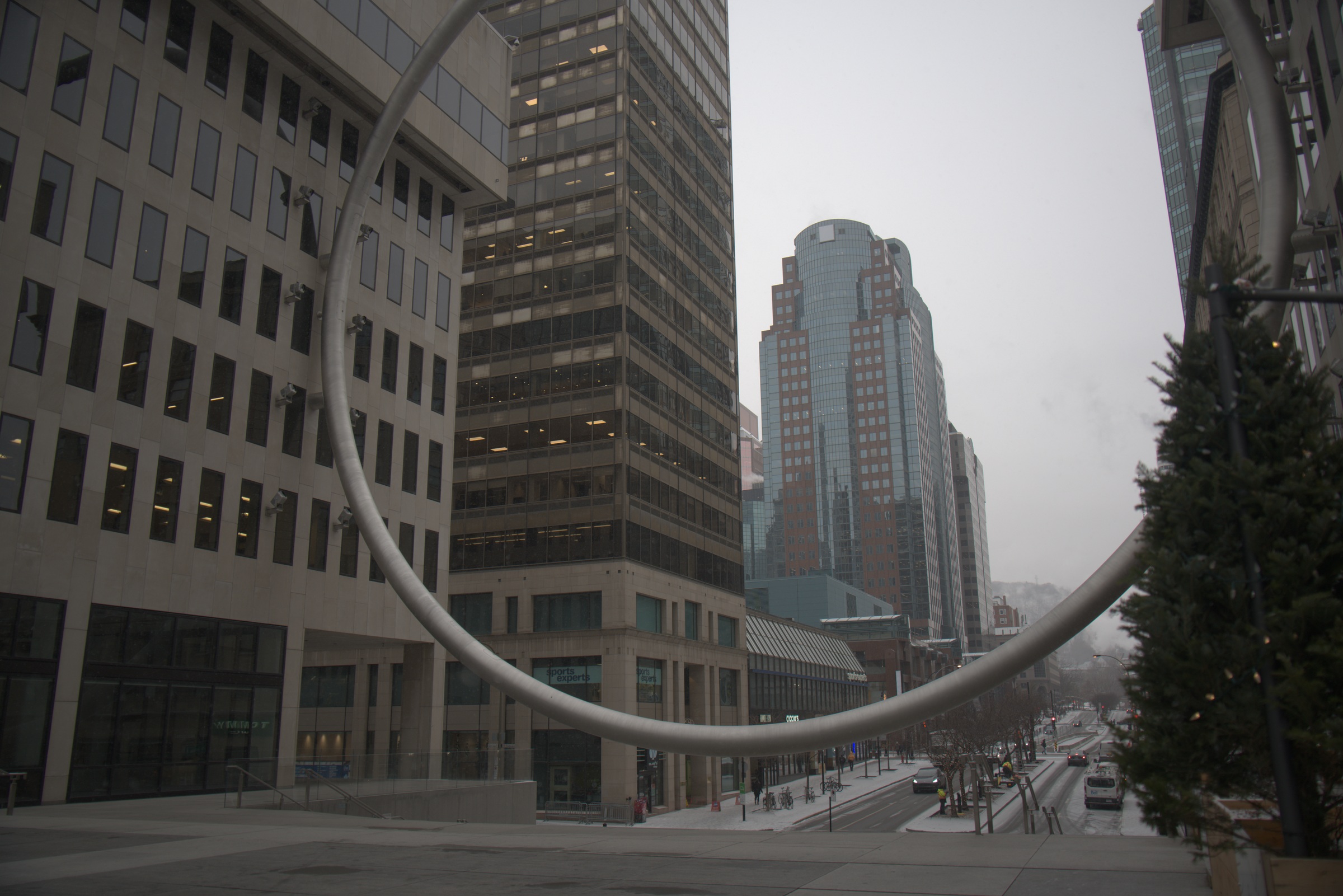 OriginalLoading look…
Keep the film and your Basic and Lens FX settings. These recipes stay in this browser.
No saved recipes yet.
Choose a tool. Adjust only the rendered side.
Kolorshift is for taking and editing photos on your phone. This is a browser demonstration you can try on a computer. There is no PC or Mac version of the application. Explore the mobile application
Photographic bases developed from RAW and balanced for this demonstration. Film profiles and adjustments affect only the rendered image.
The Kolorfilm collection
Fourteen looks created for Kolorshift. Explore them on your images and choose what speaks to you.
Explore all 14 filmsYour photo. Your touch.Try the film in the laboratory.
Try BoréalLe processus en direct
Le rendu de votre émulsion dès le cadrage, puis la matière argentique dans le laboratoire.
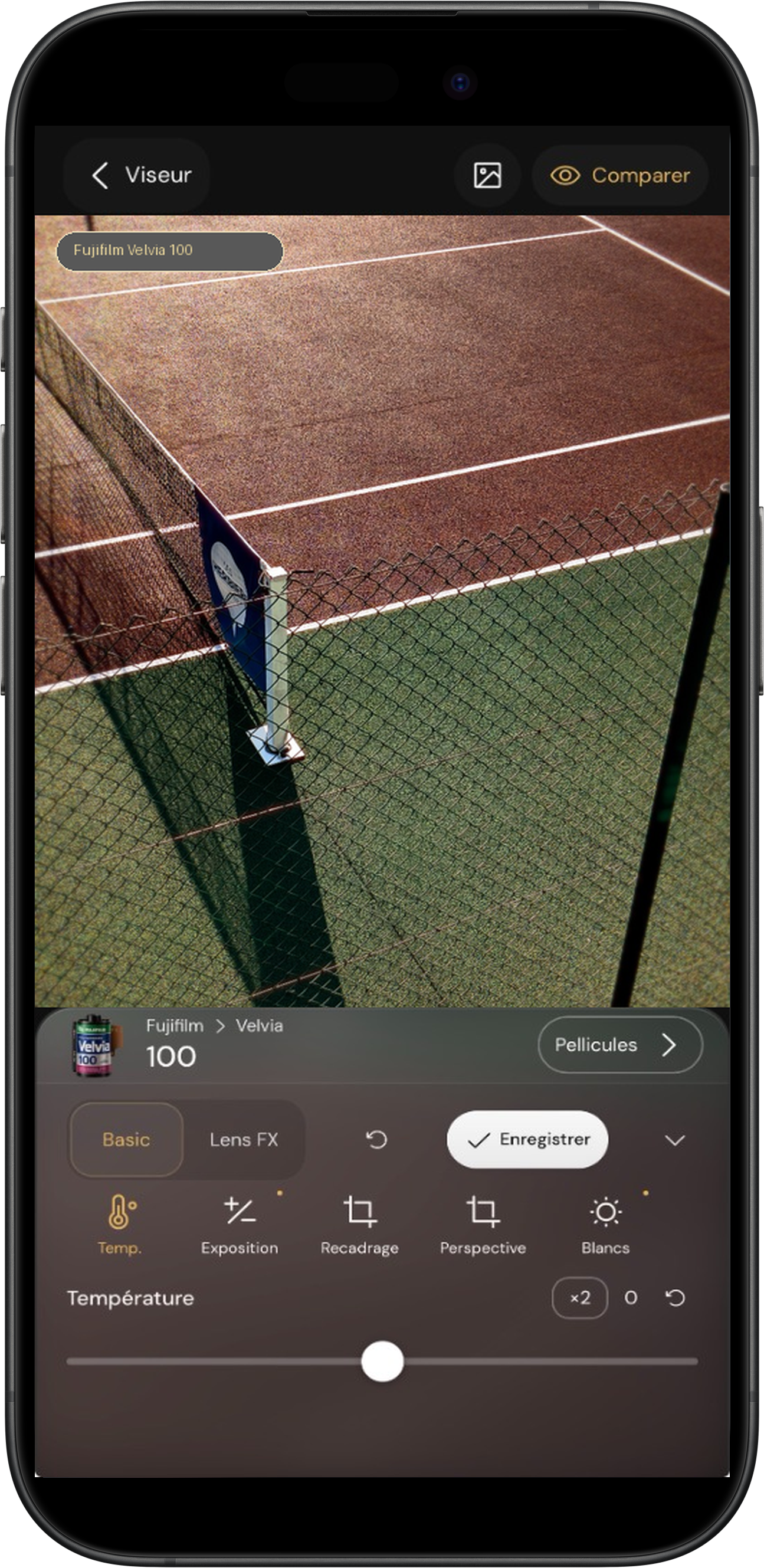
La pellicule Fujifilm Velvia appliquée en direct. Les contrastes et les couleurs vibrantes de l’émulsion s’animent en temps réel pendant que vous cadrez.
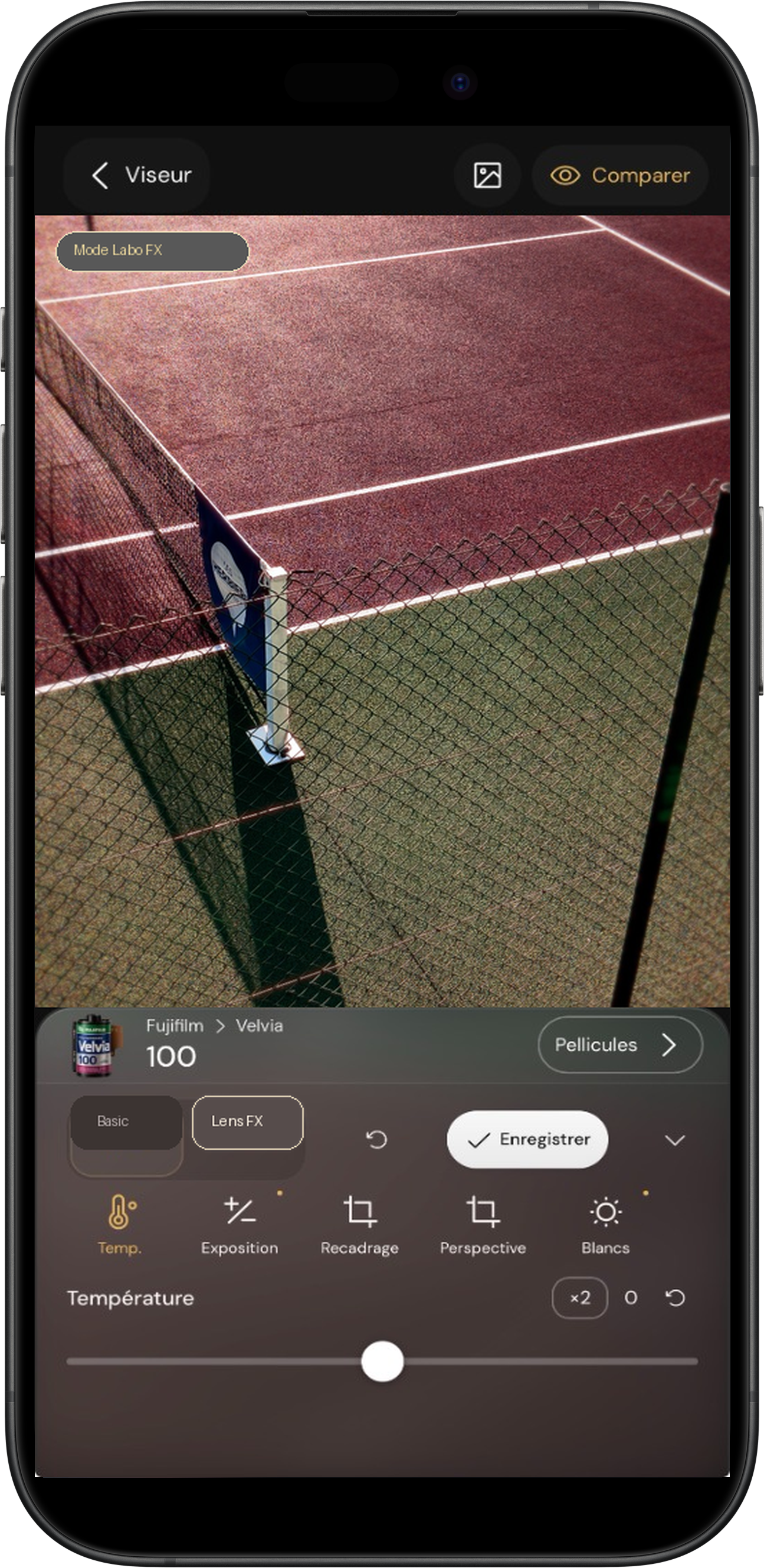
Ajustez la matière après la prise : vignettage d’époque, diffusion de la lumière et grain argentique sur mesure.
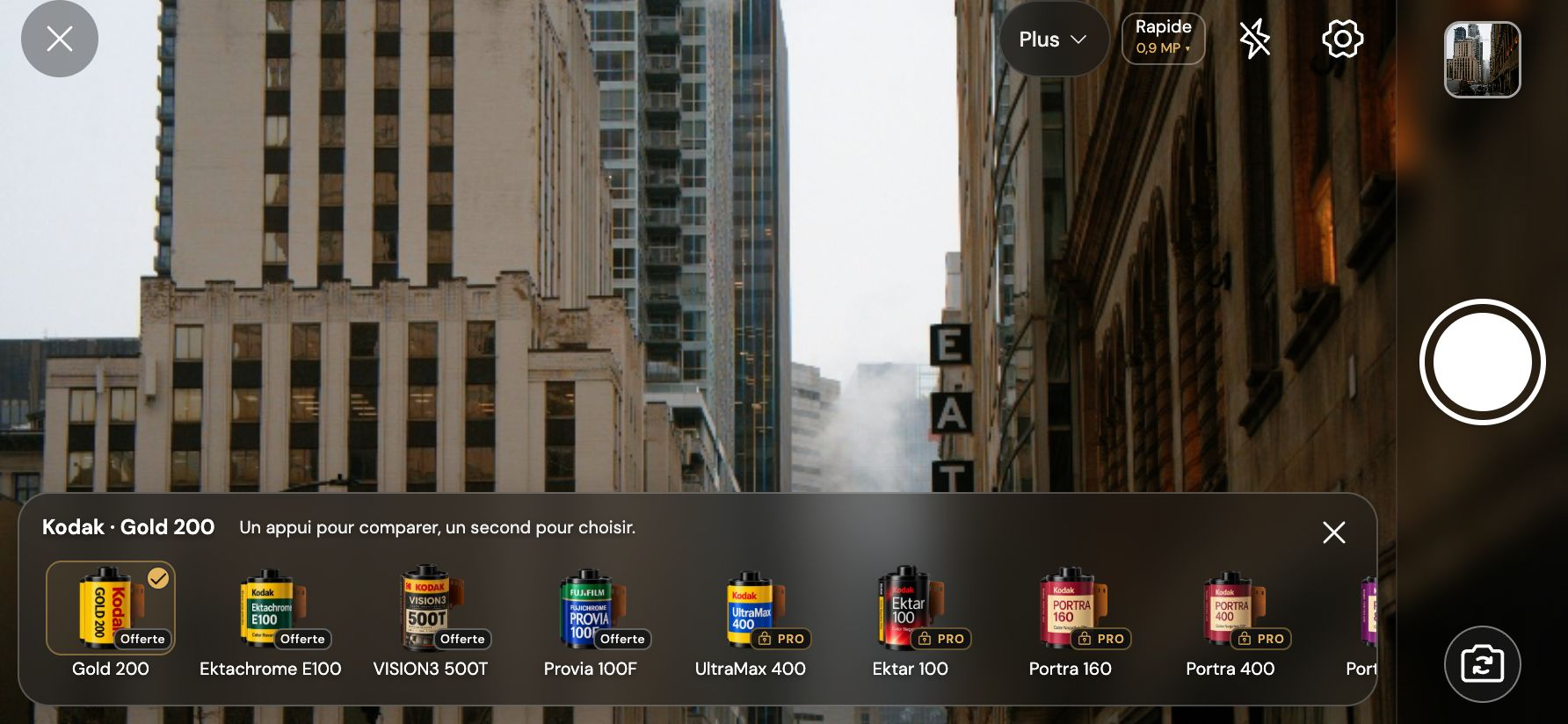
Actual interface · presentation photographs
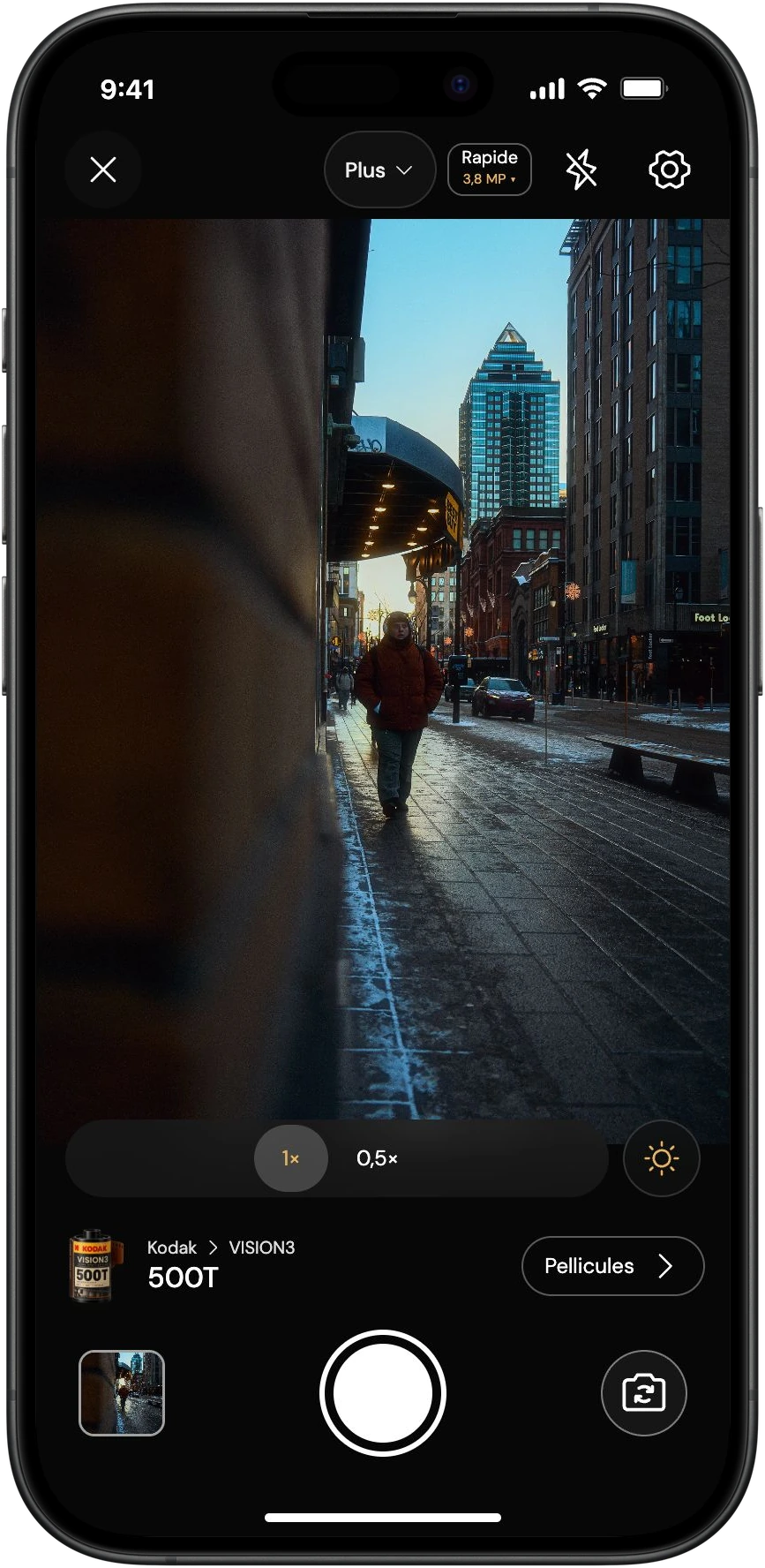
Sainte-Catherine, en lumière.
Passant en manteau rouge dans une rue de Montréal éclairée par le soleil bas.
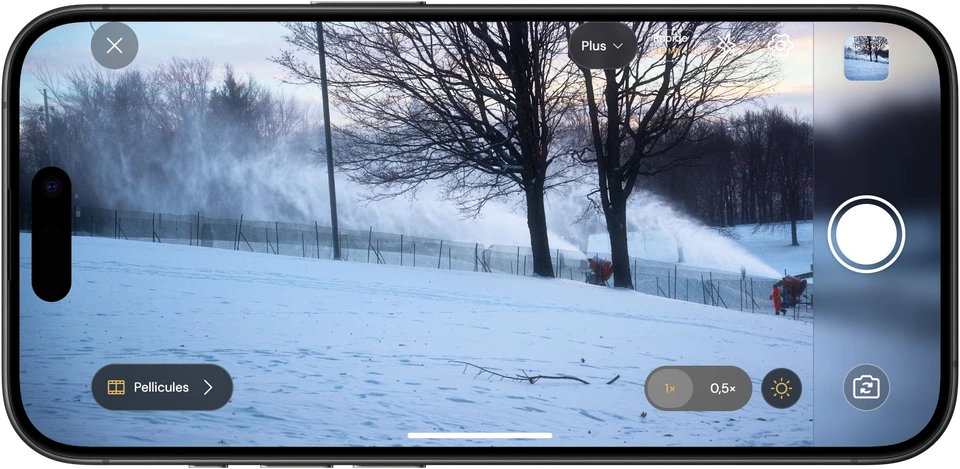
Winter in motion.
Canons à neige dans un parc enneigé à Montréal.
Presentation composition · photographs previously edited by the photographer.
Take a photo or import your images.
Photo processing directly on your device.
Simple controls, creative possibilities.
Accessibility and colour vision assistance
Colour vision assistance: choose your profile, compare the colour samples and adjust the display intensity.
Your exported photos keep their usual look.Assistance adapts the viewfinder and application display. It is optional and adjustable to your preferences.
Use the Assisted vision button to adjust the intensity without leaving the viewfinder.
Included in Free and Pro.
Explore accessibility settingsChoose a profile and adjust the intensity, just like in the application.
Your freedom to create.
A free version to get started. Find your signature. Go further at your own pace.
Four films to start exploring.
Follow the launch50 € Pre-launch pricing · ou 4,99 € / mois
★ ANALOG EDITION & UPDATES