Photograph
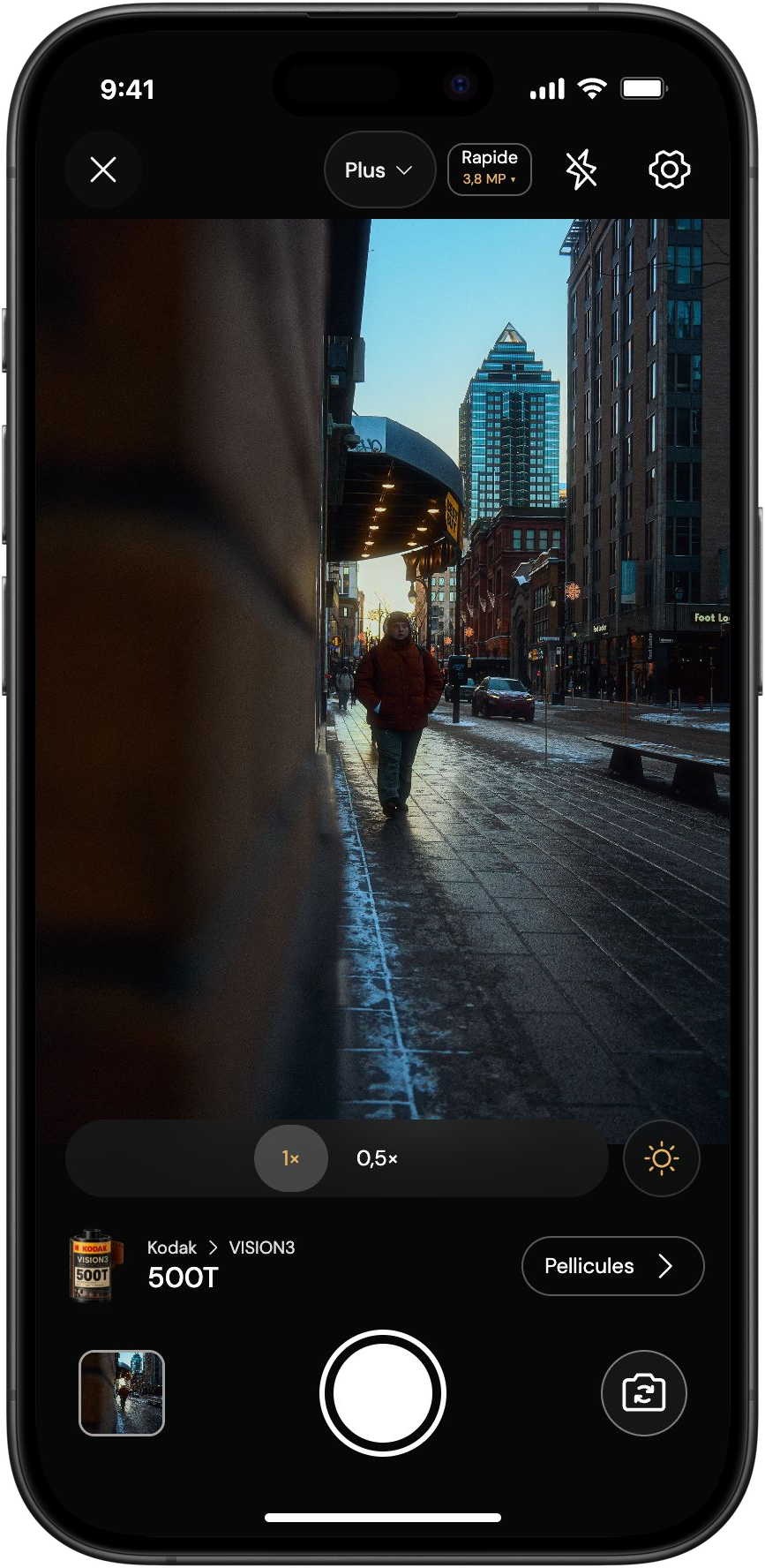
The look, live in the viewfinder. Choose a film, frame your image and shoot. Focus and exposure controls remain available, depending on your phone.
The Kolorshift applicationiPhone & Android
Your phone.
The pleasure of film reimagined.
Choose your film. See its look in real time in the viewfinder as you frame. Take the photo, then edit it if you wish.
Private beta · iPhone and Android
The application in four steps
Explore the steps and discover the real Kolorshift controls.
Step 1 / 4
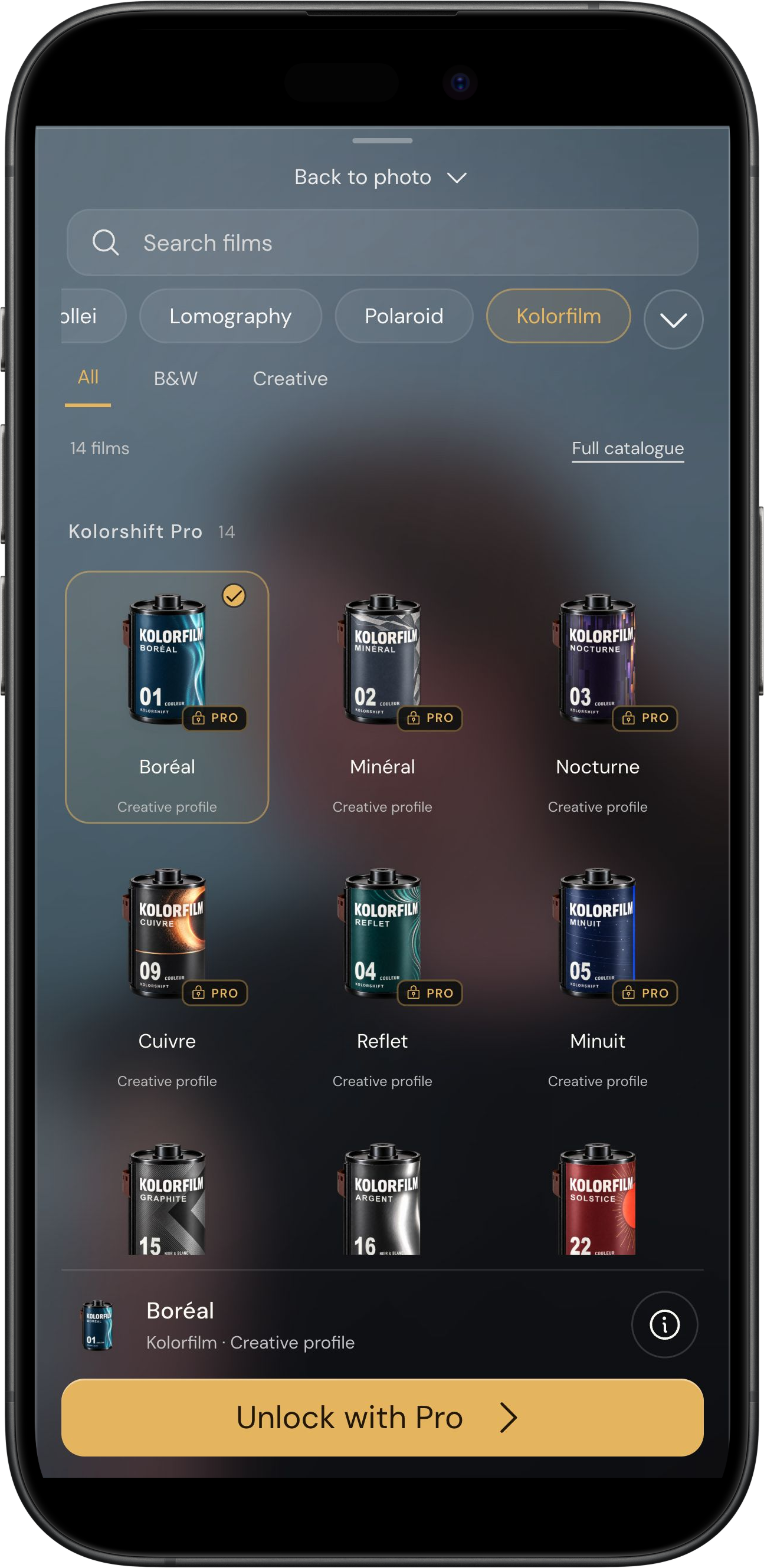
Tap “Films” in the viewfinder. Search for a name, explore collections, then tap “Use” to return to your photo.
Pro films require Pro access.
Your photos.
Sainte-Catherine, en lumière.
Passant en manteau rouge dans une rue de Montréal éclairée par le soleil bas.
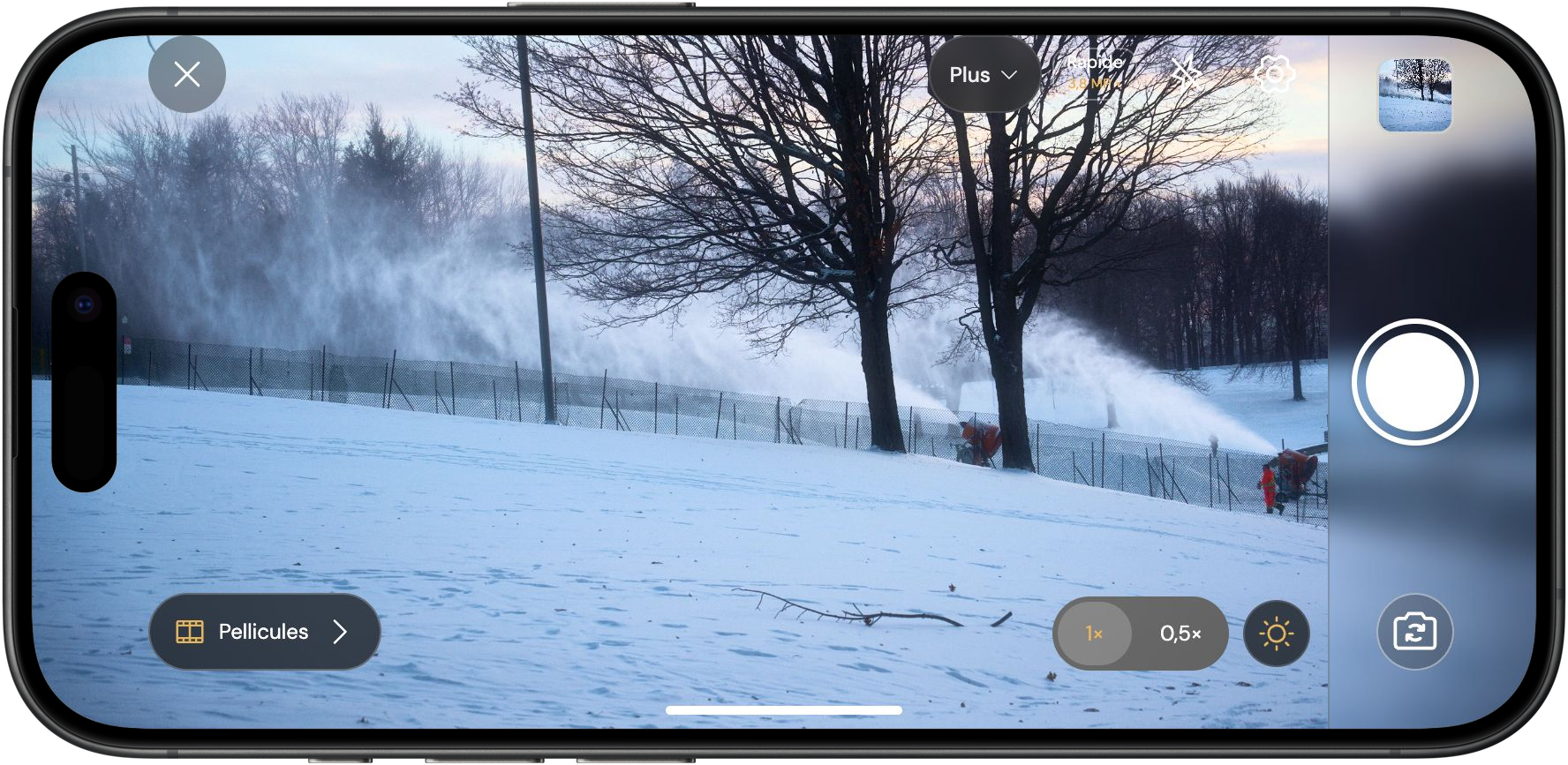
Winter in motion.
Canons à neige dans un parc enneigé à Montréal.
Presentation composition · photographs previously edited by the photographer.
The idea behind Kolorshift
A street, a face, a moment of light. Rediscover the pleasure of choosing a film with the phone you already have.
The look, live in the viewfinder. Choose a film, frame your image and shoot. Focus and exposure controls remain available, depending on your phone.
Basic for balance. Lens FX for texture. Refine light, framing and colour after shooting. Adjust each effect and compare with the original.
JPEG, PNG and compatible RAW files. Your existing photos belong here too. RAW files have their own development workspace; choose which copies to save to your photo library.
After the shot
Adjust light, framing and colour without replacing your original. The new Basic interface adds perspective, shadow detail, selective colour, Boost and noise reduction to the existing controls.
One main tool appears at a time to leave space for the photograph. Inspect details up to 6×: this viewing zoom remains separate from cropping and export.
The Kolorshift collection
Kodak, Fujifilm, Ilford, CineStill, Foma, Agfa, Rollei, Lomography and Polaroid: nine manufacturers in a library of documented looks.
All 60 active looks can be previewed live in the viewfinder. Four films are free; applying the others requires Pro. You can also import and edit an existing photo.
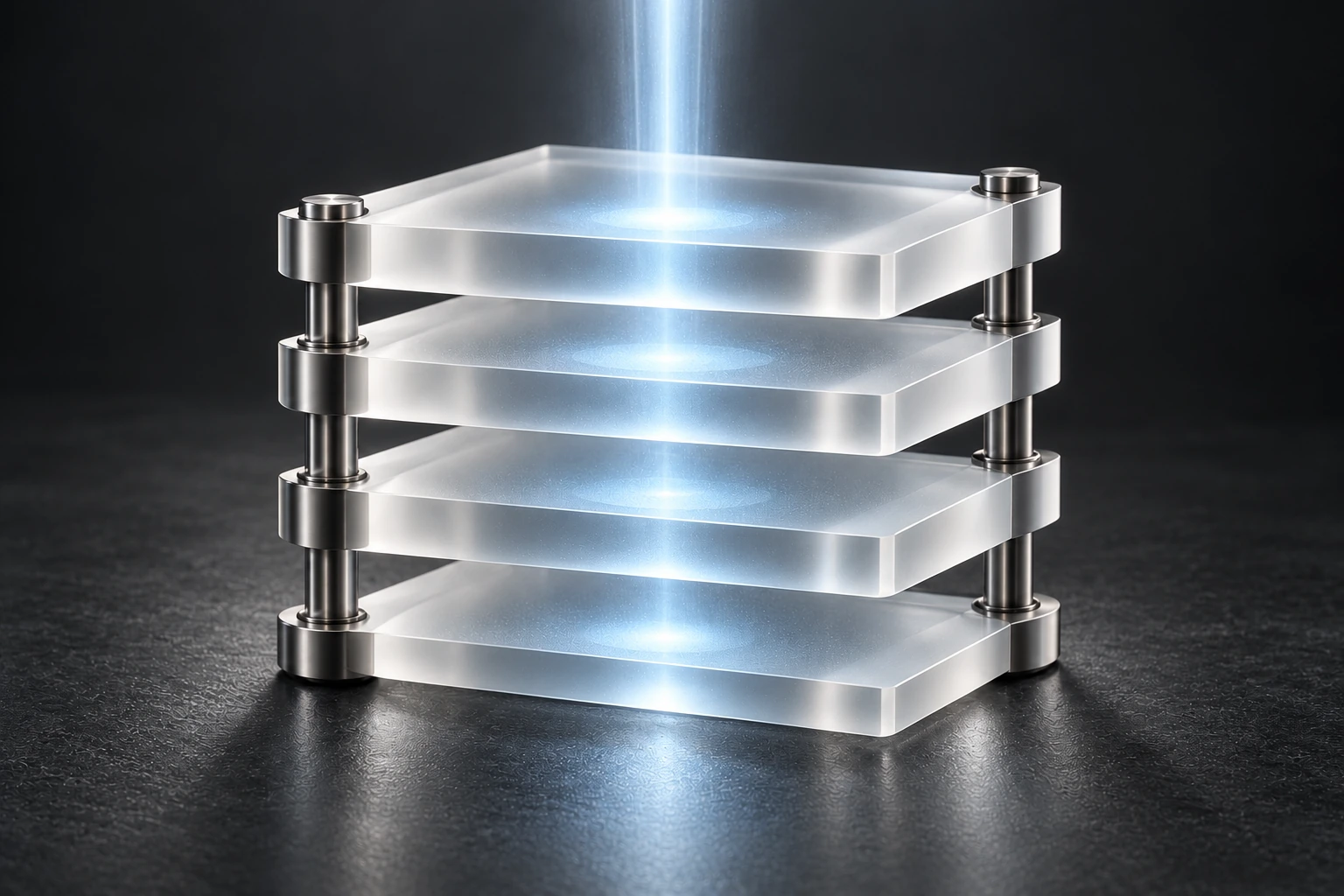
Compatible RAW files
Import a compatible RAW and find its development controls in a dedicated tab: exposure, temperature, highlights, shadows, whites, blacks, sharpness, noise and tint.
The working master retains 16 bits per channel; editing calculations use 32-bit floating point. The small JPEG preview remains separate from this source.
Recovery depends on information still present in the file. Support varies with format, compression and phone; current limits are 50 megapixels and 150 MB.
Explore the nine RAW controlsOn your phone
Kolorshift processes your photos on the device, without sending them to a server to apply looks. Find your shots and edits in My photos, keep your originals and save a copy to the photo library with your permission.
Purchases use the stores and RevenueCat separately, with the information needed to verify access. Your photos and their adjustments are not sent to them.
Understand privacyAccessibility and colour vision assistance
Colour vision assistance: choose your profile, compare the colour samples and adjust the display intensity.
Your exported photos keep their usual look.Assistance adapts the viewfinder and application display. It is optional and adjustable to your preferences.
Use the Assisted vision button to adjust the intensity without leaving the viewfinder.
Included in Free and Pro.
Find it in Settings → Accessibility.
Choose a profile and adjust the intensity, just like in the application.
iPhone & Android
Photograph with your look in the viewfinder, then find your editing tools on the same device.
Choose a film, frame with your phone’s camera and adjust your image after the shot.
Find capture, films and editing together, with the lenses your phone makes available.
Lenses, flash, resolution and RAW capture vary by model and camera. Apple ProRAW is limited to compatible iPhones; Android RAW capture depends on the lens capabilities. Importing a recognised RAW file remains separate from capture.
Learn more about formats and RAWFour films to get started
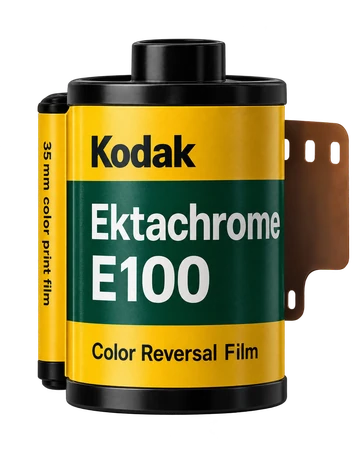
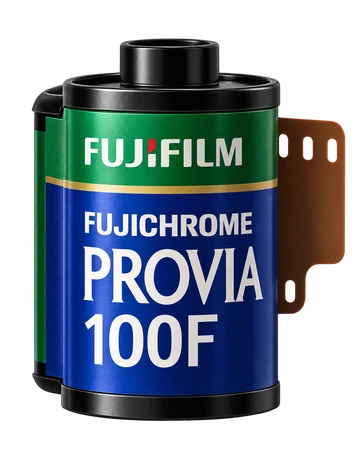
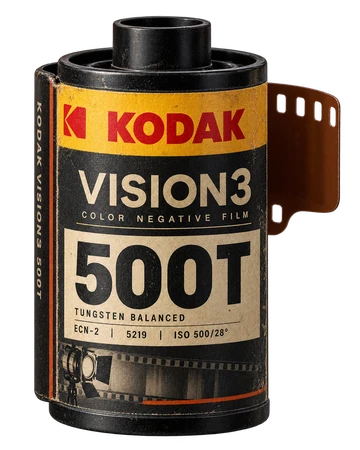
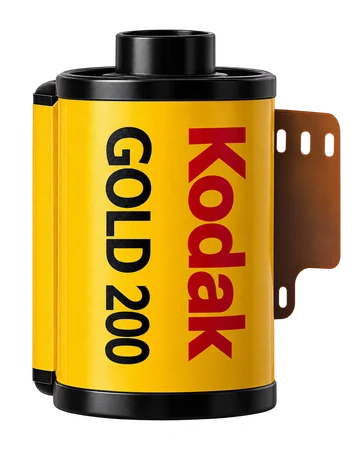
Gold 200, Ektachrome E100, Provia 100F and VISION3 500T are free. The planned Pro offer opens the other active looks, without separate LUT packs.
Kolorshift is in private beta. No public release date has been announced.