
.jpg)
In the darkroom
Inside the darkroom: making a silver-gelatin print
A developed negative contains an image, but it is not yet a print. In the darkroom, a second light-sensitive surface receives light and turns that first image into an object you can hold. This article follows black-and-white silver-gelatin printing, from organising the workspace to examining the dry result. It explains useful decisions without replacing instructions specific to the paper, chemicals and equipment being used.
Remember this
Paper exposure, contrast and local adjustments are three separate decisions. A convincing print grows from readable tests, consistent processing and a final assessment after drying.
Organise darkness and the workspace
A darkroom first controls the light reaching sensitive materials. Red light is not universally safe: a safelight must suit the paper, its working distance and handling duration. Lighting acceptable for some black-and-white papers does not automatically protect film or colour paper.
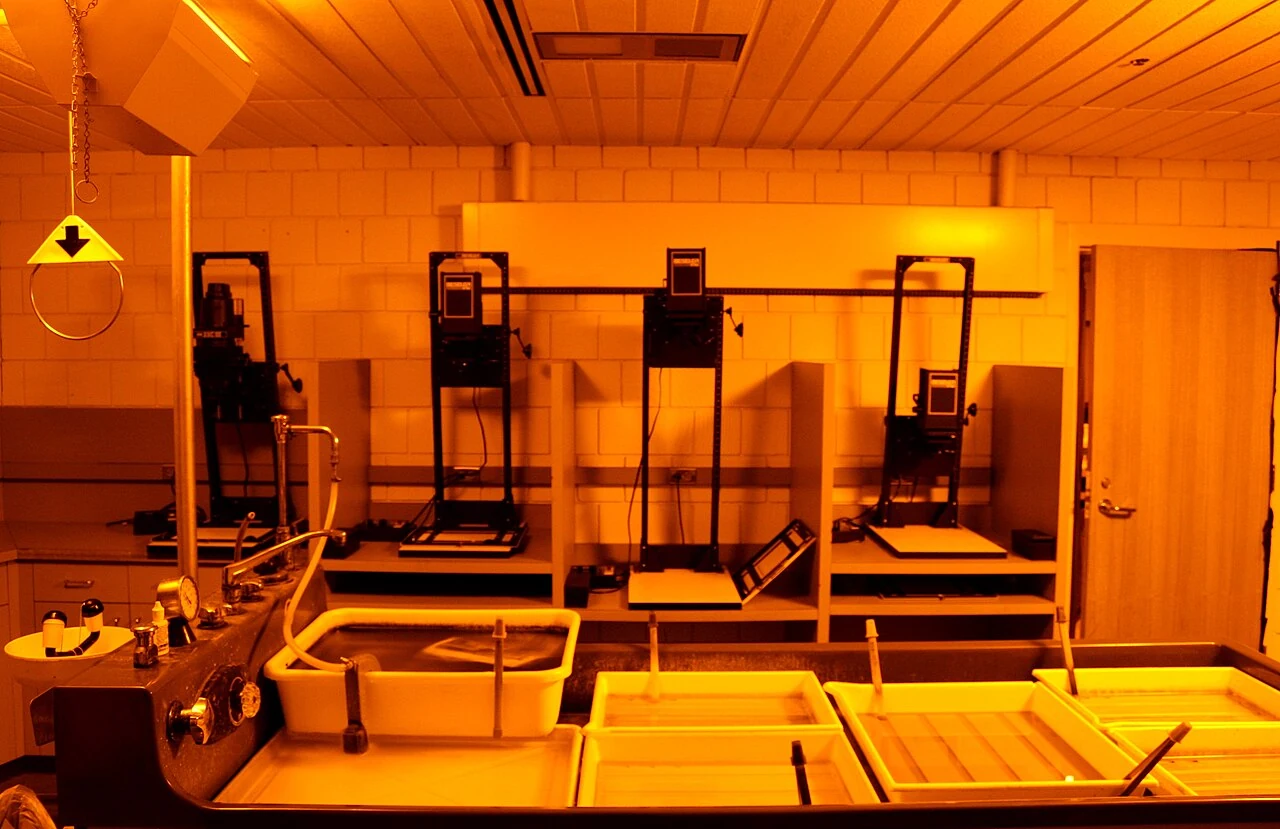
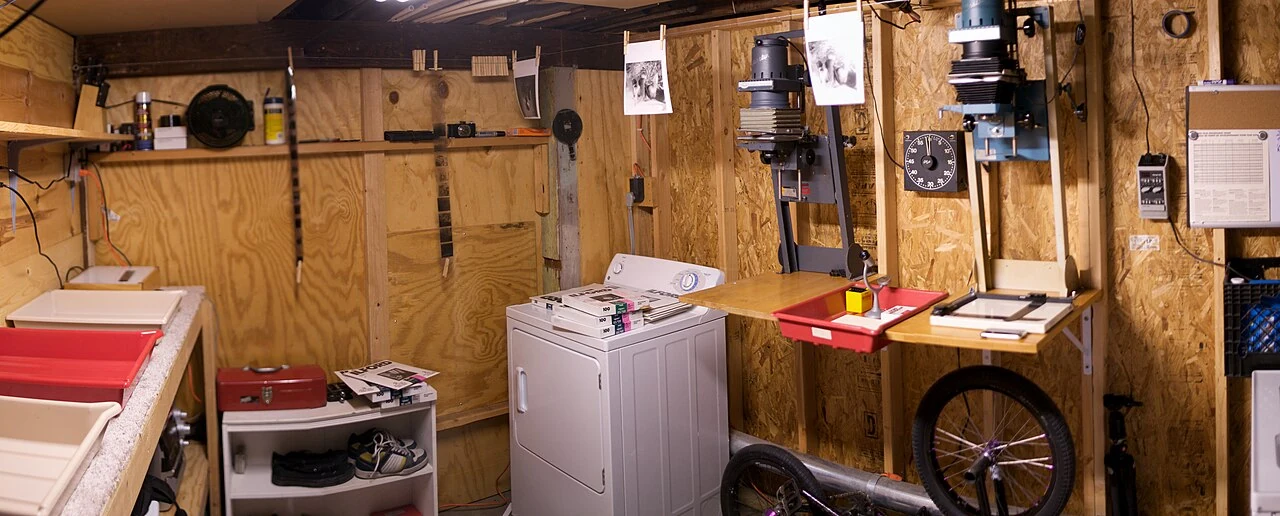
Separate a dry side, holding the negative, enlarger and paper, from a wet side for prints and processing baths. This arrangement prevents wet sheets from reaching the baseboard or bottles from approaching clean negatives. A straightforward route between stations makes the movements easier to repeat.
.jpg)
Before starting, check light-tightness, identify trays and read product instructions. Prepare only the required solutions and follow handling, ventilation and spent-chemical collection guidance. Organisation is not darkroom decoration: it distinguishes deliberate printing decisions from contamination or accidental fogging.
The enlarger projects the negative onto paper
An enlarger is a projector: its light source illuminates the negative, then a lens forms an image on the baseboard. A carrier holds the film while the easel positions paper and borders. Clear negative areas transmit more light than dense ones.
Raising the head changes image size; adjusting the lens changes focus. These actions are not interchangeable. Choose a coherent crop first, then verify sharpness at the actual paper plane. A grain focuser helps inspect the projected structure rather than assuming a detail visible on the baseboard must be sharp in the print.
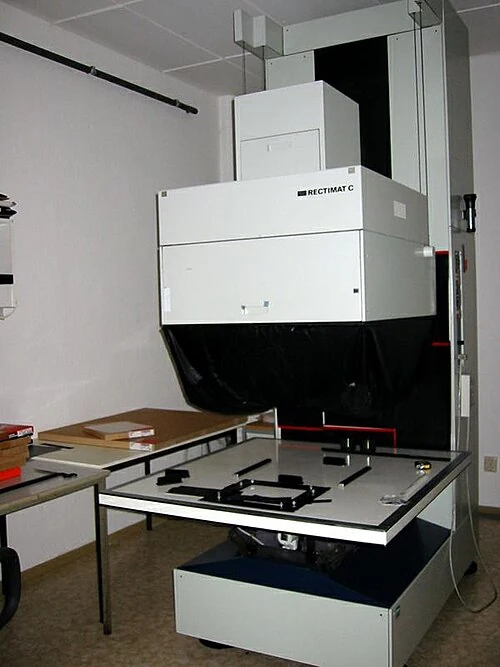

Lens aperture and illumination time then determine paper exposure. If print size, aperture or filtration changes substantially, earlier tests are no guarantee. Carefully removing dust from the negative before exposure also matters: dust can block light and leave a small pale mark on the print.
Choose paper and understand contrast
Paper is not merely a white support. Its surface, image tone and base influence how the picture is perceived. RC paper has a base protected by polyethylene layers; fibre-based or FB paper requires different washing and drying. Choosing between them is not an automatic ranking of quality.
On variable-contrast paper, filtration changes the emulsion's tonal response. Filters specified for the system move the result towards softer or harder contrast. They do not replace focusing or create information absent from the negative; they redistribute values that have already been recorded.
An overly harsh image is therefore not necessarily overexposed, and a pale print does not always call for a stronger filter. Separating decisions helps interpret a test: exposure places values, while filtration adjusts their relationship. Follow paper and filter instructions for compensation instead of applying one factor to every setup.
A test strip turns an impression into a decision
A test strip exposes different areas of a small piece of paper for different durations. It compares values produced under controlled conditions instead of guessing a time for a whole sheet. Choosing an area with important detail is more useful than testing featureless sky or a uniform shadow.
Process the test as carefully as a finished print. Removing it from developer prematurely because it already looks dark enough confuses exposure with development. Times, temperatures and capacities come from the instructions for the system in use. Consistency reveals whether a change between tests really comes from the setting you altered.
Examine the proof under suitable viewing light, not only under the safelight. Keep the parts approaching your intended result and make a more precise test. Recording aperture, filtration and time makes this a learning process: without notes, even successful sheets are difficult to compare and reproduce.
Dodge and burn: shape light locally
Once a convincing base print exists, selected areas can be adjusted. Dodging prevents part of the paper from receiving some of its exposure, leaving that area lighter. Burning does the opposite: additional local exposure produces greater density in the print.
A small shape on a wire, a pierced card or your hands can perform these adjustments. Gentle movement during exposure helps avoid a hard edge. The tool sits between lens and paper without touching the sheet. Shape, distance from the paper and movement influence the transition as much as the time added or withheld.
These gestures guide the eye, rather than claiming to reconstruct a sky never recorded. Slightly dodging a face or darkening an edge can make the image read more coherently. Start with one clear intervention, note it and compare against the base proof before accumulating changes whose contribution is uncertain.
Fix, wash, dry, then judge the print
After development, the stop bath specified by the system interrupts developer action; fixing removes undeveloped silver halides and makes the image suitable for normal light under the stated conditions. A print that appears finished in its tray has therefore not completed the whole processing chain.
Washing removes processing residues under conditions appropriate to the paper. RC and FB cannot be treated as though their bases retain solutions identically. The sequence, water renewal and any washing aids should follow manufacturer recommendations. A single time for all papers would erase that essential distinction.
Finally, let the print dry and examine it under its intended presentation conditions. Wetness, surface and lighting affect the impression of density and depth. Keeping printing notes with the negative makes the work reproducible. The final print is a material interpretation, arising from observable decisions rather than one spectacular moment in developer.
Sources and further reading
- ILFORD — Making your first black & white print
- ILFORD — Beginners guide to darkrooms
- ILFORD — Contrast control for MULTIGRADE variable contrast papers
- ILFORD — Dodge & Burn, Darkroom Guides
- ILFORD — Pick the perfect paper
- ILFORD — Photographic paper FAQs
- ILFORD — Testing your safelights
- ILFORD — Preparing to print
From reading to making images
Explore filmsKeep exploring
All stories

Film: light becomes matter.
How an emulsion records light, how development reveals the image and how photographic film is manufactured.
Read the story
A lens is more than glass.
From optical glass and polishing to coatings and assembly: the steps and compromises that shape a photographic lens.
Read the storyShare this article
An idea worth passing on.