
Understanding
Why is colour negative film orange?
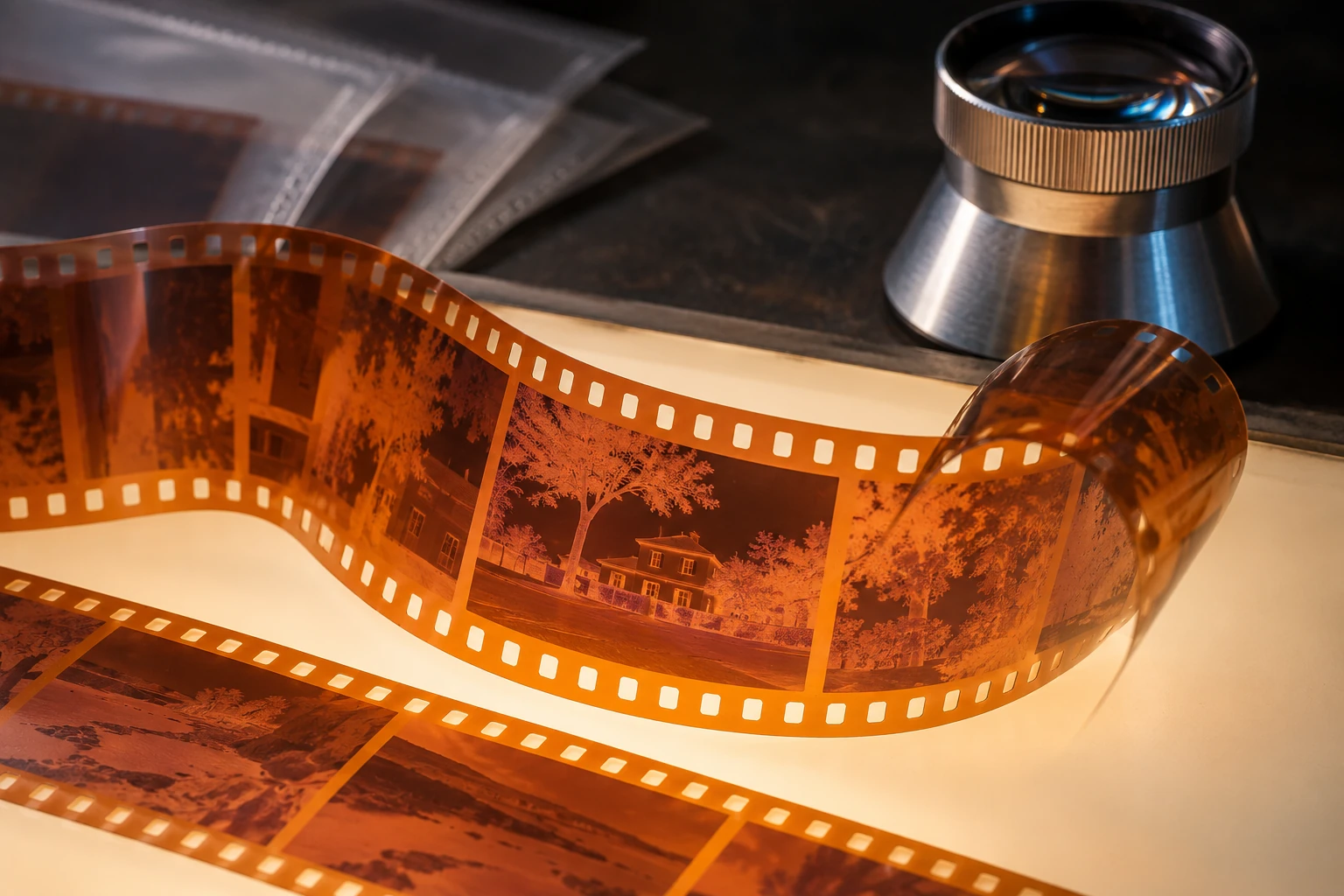
On a light table, many colour negatives appear orange. Part of what looks like a defect is a correction built into their design. Masking contributes to colour reproduction when the negative becomes a positive. It is not a universal recipe for making photographs warm.
Remember this
The mask compensates for some unwanted dye absorption. Its presence and appearance depend on film and processing. Scanning requires a suitable conversion; simple inversion or an orange overlay cannot reproduce the whole chain.
An image made of dyes that filter light
In a conventional chromogenic colour negative, different layers respond to different spectral regions. Colour development produces dye images linked to these records. Subsequent stages remove silver according to the specified process. Light transmitted through the processed negative is then modulated by those dyes; neither its brightness relationships nor its colours resemble a directly viewable positive.
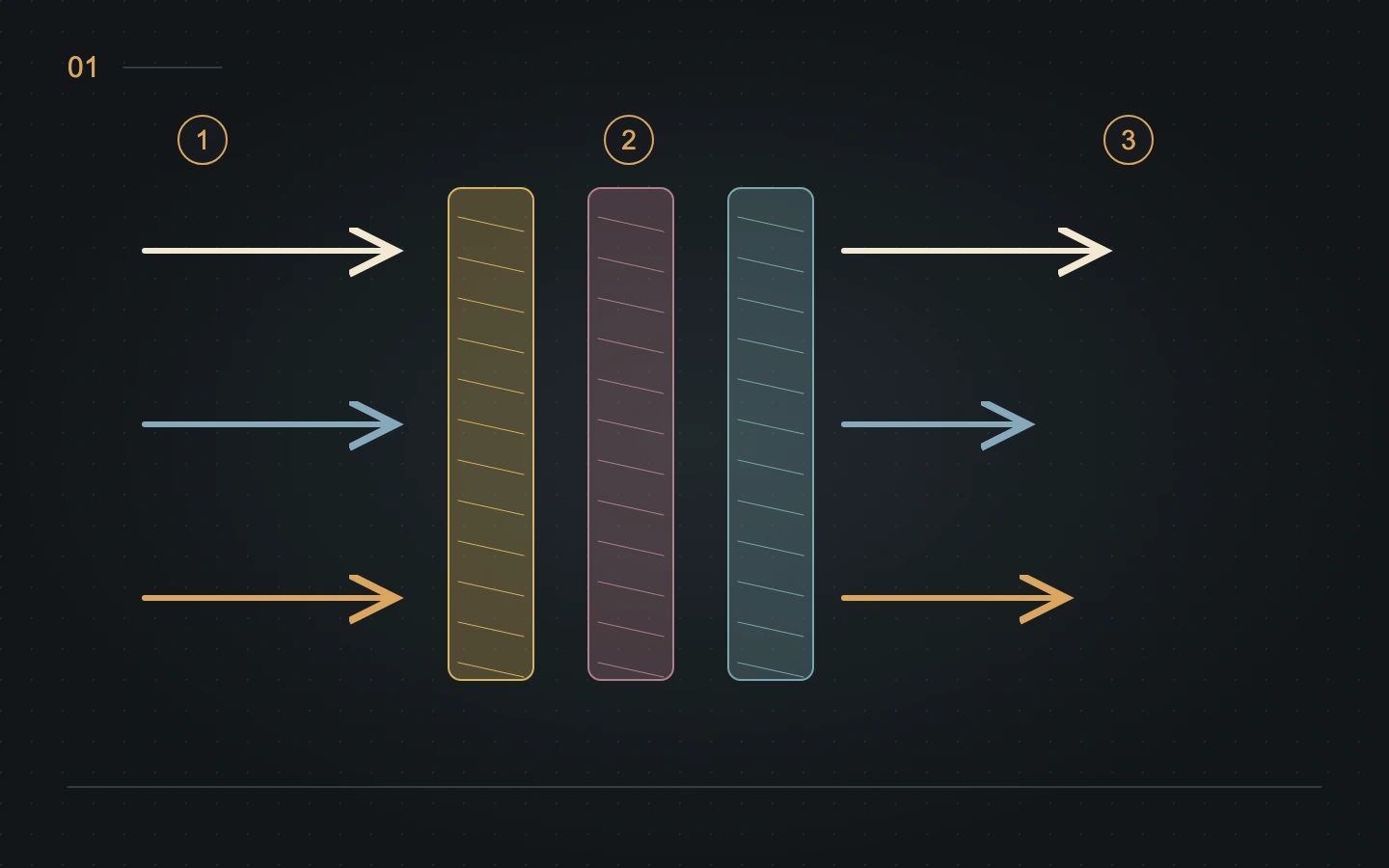
The image is often described through three dye families: cyan, magenta and yellow. An ideal cyan dye would absorb red while transmitting the other regions; ideal magenta and yellow dyes would absorb green and blue respectively. Real materials do not separate the spectrum perfectly. Their absorptions overlap and remove some light that ideally should pass through.
Spectral dye-density curves describe this behaviour by wavelength. They are different from the spectral sensitivity curves of unprocessed layers. Check the stated process, density and measurement conditions before comparing them. Our diagram deliberately separates functions into simple bands; it does not reproduce measured curves for any particular film.
Masking corrects an error that follows the image
Unwanted absorption is not merely a constant colour cast. It also changes with the amount of dye formed in each part of the negative. A uniform filter placed in front of the film cannot, on its own, compensate for every colour-separation error. Integral masking ties part of the correction to the photographic layers themselves.
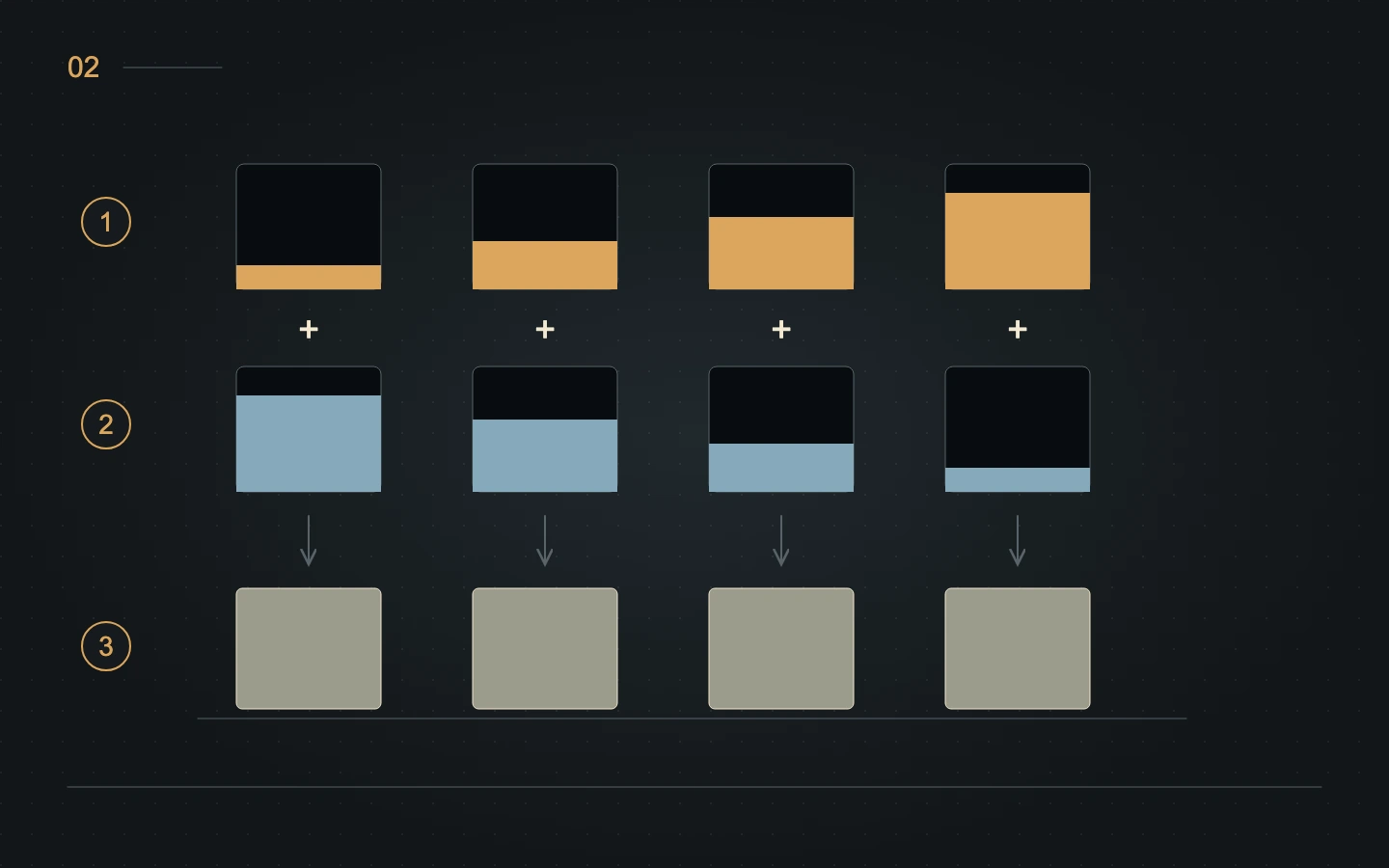
In the systems Kodak describes, some couplers are coloured before they are converted into image dyes. Their remaining colour contributes to the processed mask. Kodak H-188 explains how a yellowish magenta-forming coupler can compensate for unwanted blue absorption by the magenta dye. This establishes a complementary relationship between the dye image and the masking component.
Across a strip of film, these components contribute to the familiar orange appearance, including in an unexposed but processed area. This is not simply orange plastic beneath three perfect images. The description remains a teaching model: formulations are more complicated, and manufacturers, generations and specialised films do not all share one architecture.
Why film and processing change the tint
A negative intended for printing does not need to look attractive when viewed directly. Its design can prioritise the intended reproduction system. A transparency intended for projection has a different requirement: it must deliver a viewable positive image. The colour of a photographic material alone therefore cannot establish its role or intended processing.
The minimum density of processed film includes what is transmitted by areas without a useful exposed image. It depends on formulation and processing rather than one universal orange value. Fujifilm's historical technical guide shows product-specific spectral densities. These dated documents should not be treated as specifications for every film currently on sale.
Processing matters too. C-41, ECN-2 and reversal processes are defined sequences used with materials designed for them. Inappropriate chemistry, poor process control or ageing can change the outcome. A strip's tint alone cannot diagnose a problem: compare images, processed margins, the stated process and, where needed, the laboratory's process-control results.
Scanning: capture, convert and interpret
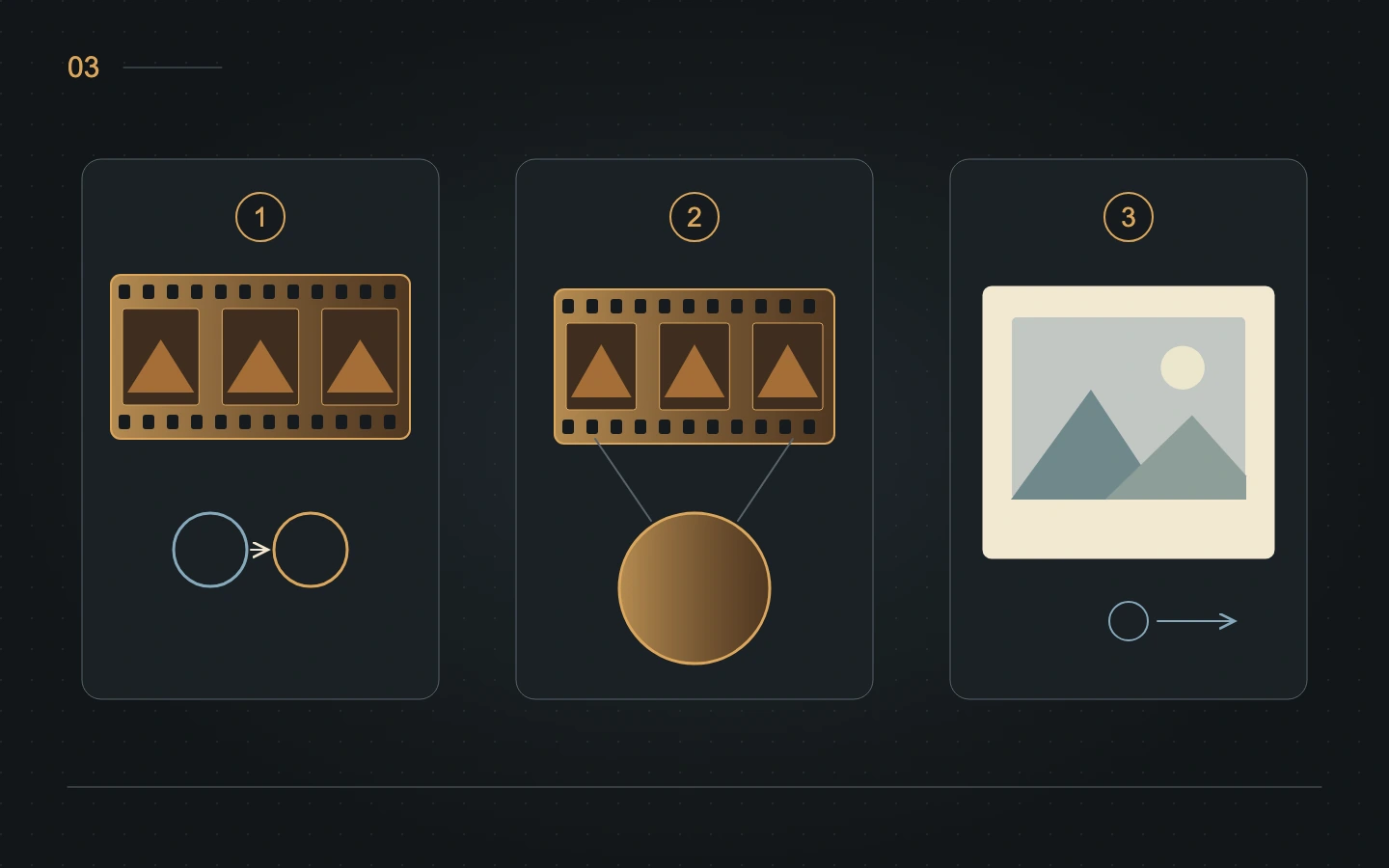
A scanner or copying camera records transmitted light using its own illumination and spectral sensitivities. Its file therefore reflects both the film and the equipment. The channels do not receive equal amounts of light. Preserving useful information in each matters more than making an unconverted negative preview look pleasant.
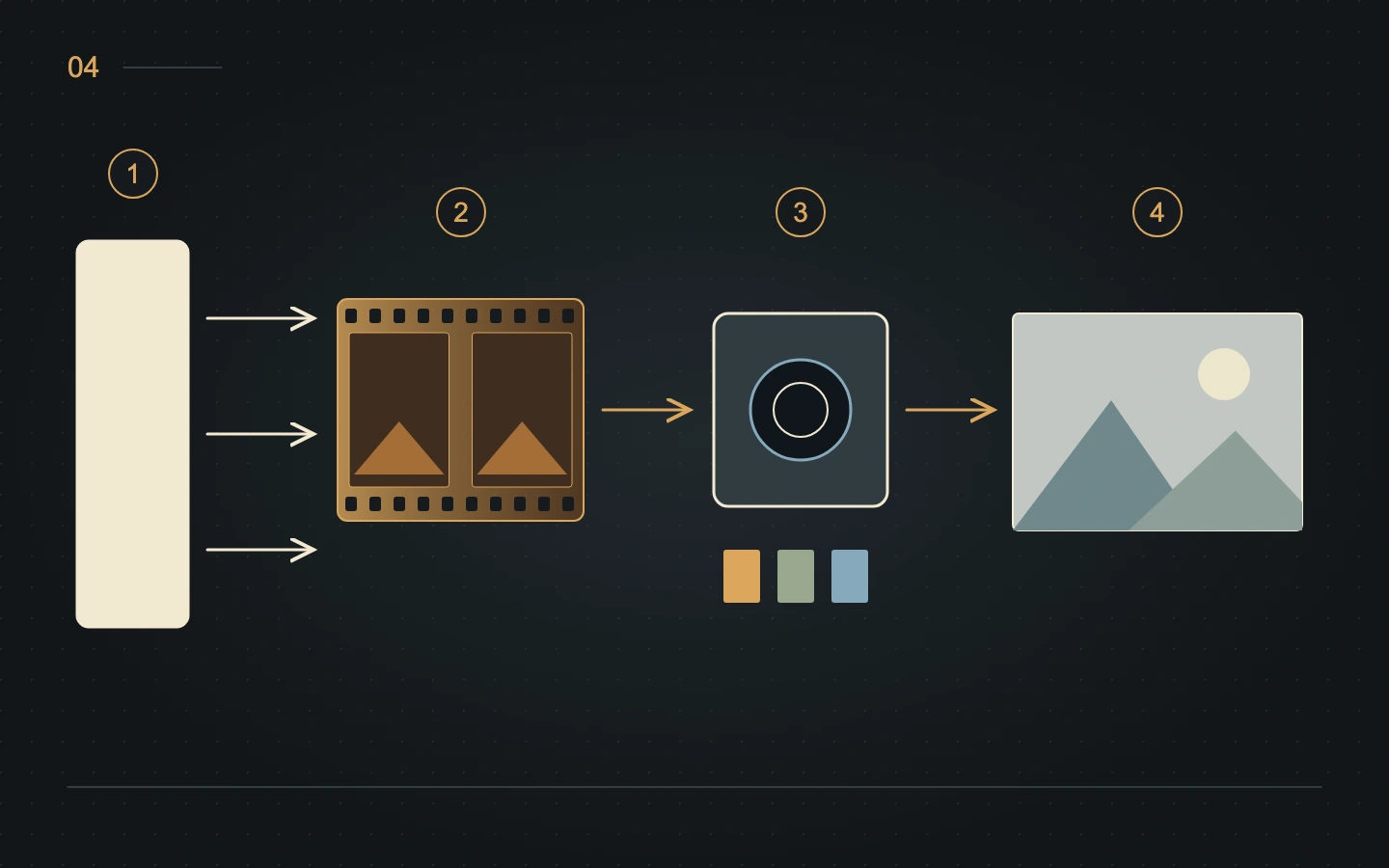
Positive conversion must account for the base, film response and tonal decisions. VueScan, for example, separates film-base colour, film type, balancing and black and white points. An unexposed processed margin can help characterise the base in a workflow designed for that purpose. It is not a chart describing every colour in the original scene.
Pressing Invert does not automatically solve this chain. A profile, curves or a suitable model may be needed, and procedures differ between tools. An orange layer in Multiply mode does not simulate photographic masking. Keep a high-quality capture, avoid channel clipping and compare conversions with documented settings instead of applying a recipe outside its intended context.
What orange can and cannot tell you
The visible colour of the negative does not directly predict the print or final file. An orange base can produce a neutral positive; a warm rendering can come from illumination, balancing or an aesthetic decision. Automatically linking the base to a film look confuses a manufacturing feature with a presentation choice.
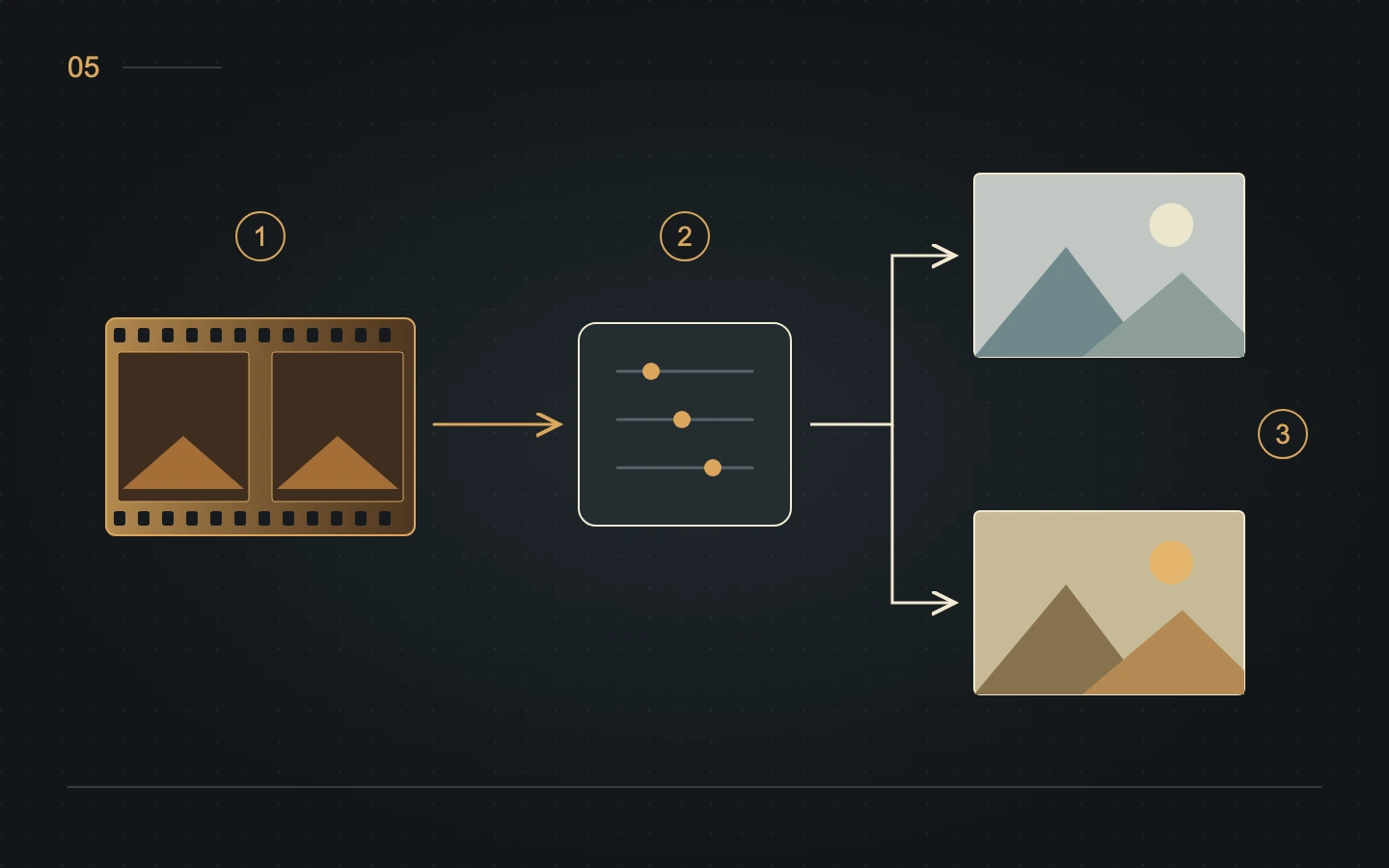
For a useful comparison, choose one frame and keep capture, crop and starting settings fixed. Record the changes introduced during conversion. A neutral surface photographed under known conditions can provide a reference, but does not turn the exercise into full colourimetric characterisation. This is a proposed observation exercise, not a measured laboratory test.
Treat negatives as technical and historical objects. Stock, process, storage and reproduction all help explain their differences. The documentary photograph shows real film; the drawings explain conceptual relationships; the cover is an editorial illustration. Keeping these categories distinct makes the mechanism easier to understand without treating a generated image as material evidence.
Sources and further reading
- Kodak — Exploring the Color Image, H-188, colorants et couplers de masquage
- Kodak — The Essential Reference Guide for Filmmakers, structure et densité spectrale
- Fujifilm — Professional Film Data Guide, densités spectrales et procédés, édition 2005
- Hamrick Software — VueScan Color Tab, base du film, profils et balance
- Hamrick Software — VueScan support for film types, vieillissement et profils
- Kodak Alaris — FLEXICOLOR Chemicals, variantes des procédés C-41
About this article
Written with the assistance of Codex and Astra, using the cited sources. The diagrams are educational; documentary photographs retain their authors and licences.
From reading to making images
Explore filmsKeep exploring
All stories
Colour negative and slide film: two paths to colour
Understand dye images, the orange mask and the differences between C-41, E-6 and RA-4 colour printing.
Read the story
Why your photograph changes colour from one screen to another
sRGB, Display P3, ICC profiles and export: understand what changes a photograph’s colours between editor, browser and screen.
Read the storyShare this article
An idea worth passing on.