

Understanding
Why your photograph changes colour from one screen to another
A photograph looked right in your editor, then its oranges became too vivid or its skin tones changed on a phone. The file was not necessarily edited again: pixel numbers have to be interpreted, then reproduced by a real device. Colour management connects those stages. It also matters for film scans whenever a chemical image becomes a file to view, share or print.
Remember this
A profile describes how values should be interpreted; it does not make every display identical. Assigning a profile keeps numbers but changes their meaning. Converting to a profile recalculates values to try to preserve appearance, within the destination’s limits. Wider gamut is neither a guarantee of accuracy nor a measure of screen brightness.
Three numbers do not fully define a colour
An RGB pixel contains three components, but the values alone are not a complete description of its appearance. Primaries, white point and transfer function give those numbers meaning. The same triplet can describe different colours in two RGB spaces. This is a difference in encoding conventions, not a mysterious change in the photographed subject.
An ICC profile describes a colourimetric relationship that a colour-management chain can use. A reference working space and the profile of a particular display have different jobs. The first organizes image values; the second describes a specific destination. Exporting every image in the name of a monitor confuses these roles instead of creating a universal photographic colour space.
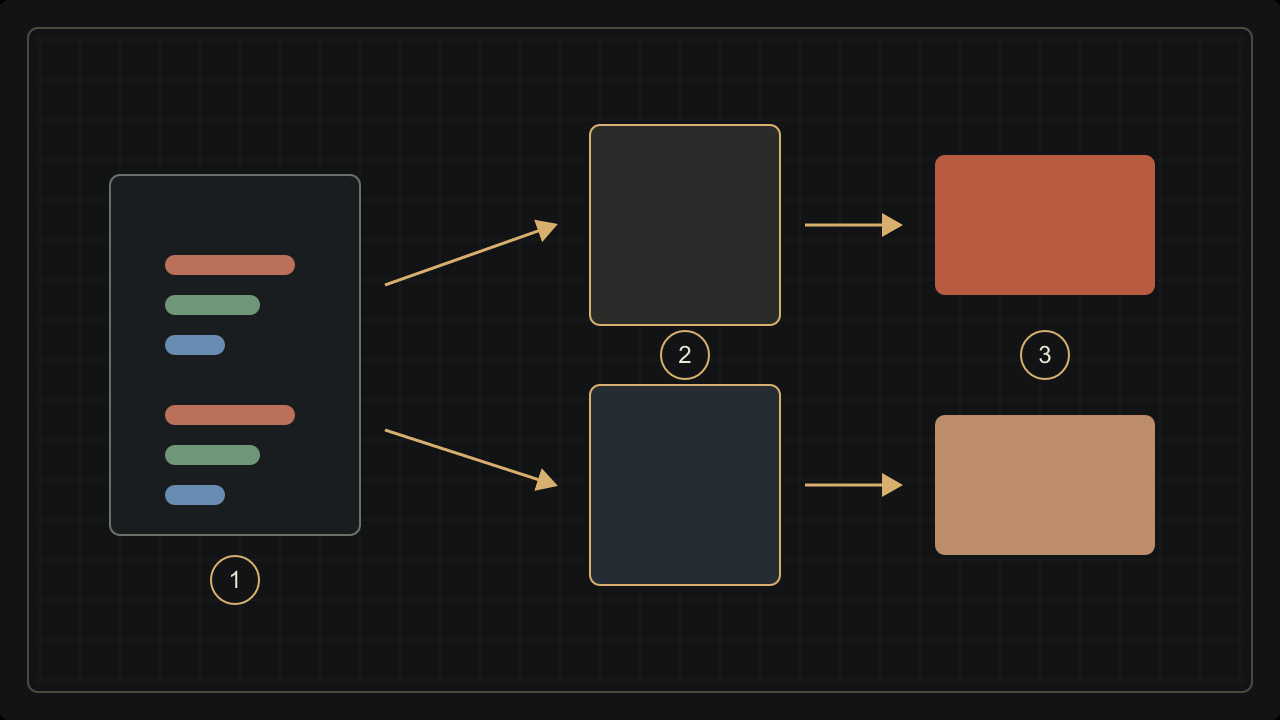
This applies to scanned film too. Scan values need an interpretation corresponding to their encoding, even though the source image was chemical. Grain or a stock’s character does not remove that requirement. The article on analogue colour processes explains the earlier part of the chain, before the image becomes RGB data.
sRGB, Display P3 and the trap of “more”
sRGB and Display P3 are defined RGB spaces. Display P3 uses primaries that can represent some colours more saturated than sRGB can. It combines a D65 white point with the sRGB transfer curve. Display P3 is not simply DCI-P3: shared primaries do not make all encoding parameters identical across different intended viewing conditions.
Gamut is the set of colours an encoding can represent or a device can reproduce under specified conditions. It is not peak screen luminance, for example in candelas per square metre, or calibration accuracy. A larger range may reproduce additional colours without automatically making a restrained photograph more faithful. Colour range, brightness and accuracy answer different questions.
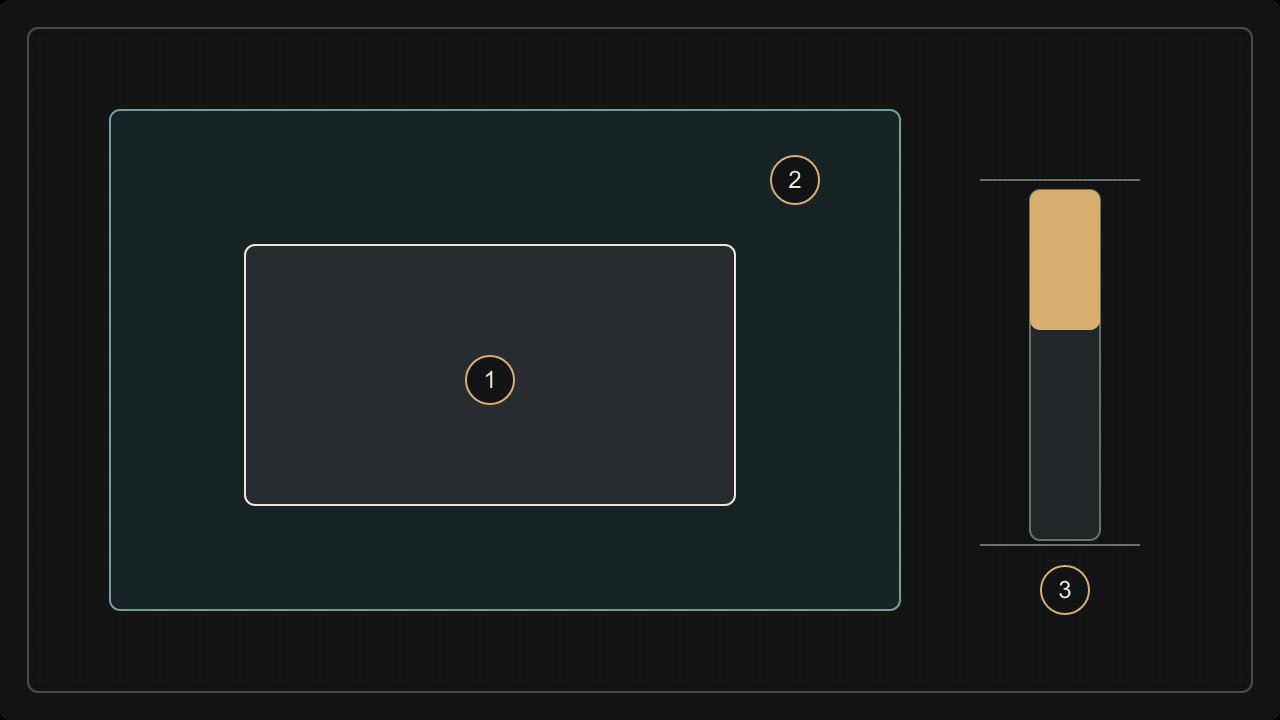
Selecting P3 does not invent nuances absent from the original file. Conversely, converting a file with colours outside sRGB into sRGB can require gamut adaptation. The outcome depends on the conversion and rendering choices. The drawing shows a qualitative relationship between sets; its boxes are not measured colourimetric volumes or a test of two commercial screens.
Assigning and converting are different operations
Assigning a profile changes the interpretation without recalculating pixel values. It can correct a wrong label when the actual encoding is known. It can also create a large shift if a profile is chosen simply because its preview looks more attractive. Pleasing saturation is not evidence that the selected profile describes the data correctly.
Converting to a profile changes values to try to preserve appearance in a destination space. Preservation is limited by reproducible colours, rendering choices and profile quality. Conversion is therefore neither a guarantee of perfect identity nor a creative filter designed to impose a new mood on every photograph. It is a transform between defined descriptions.
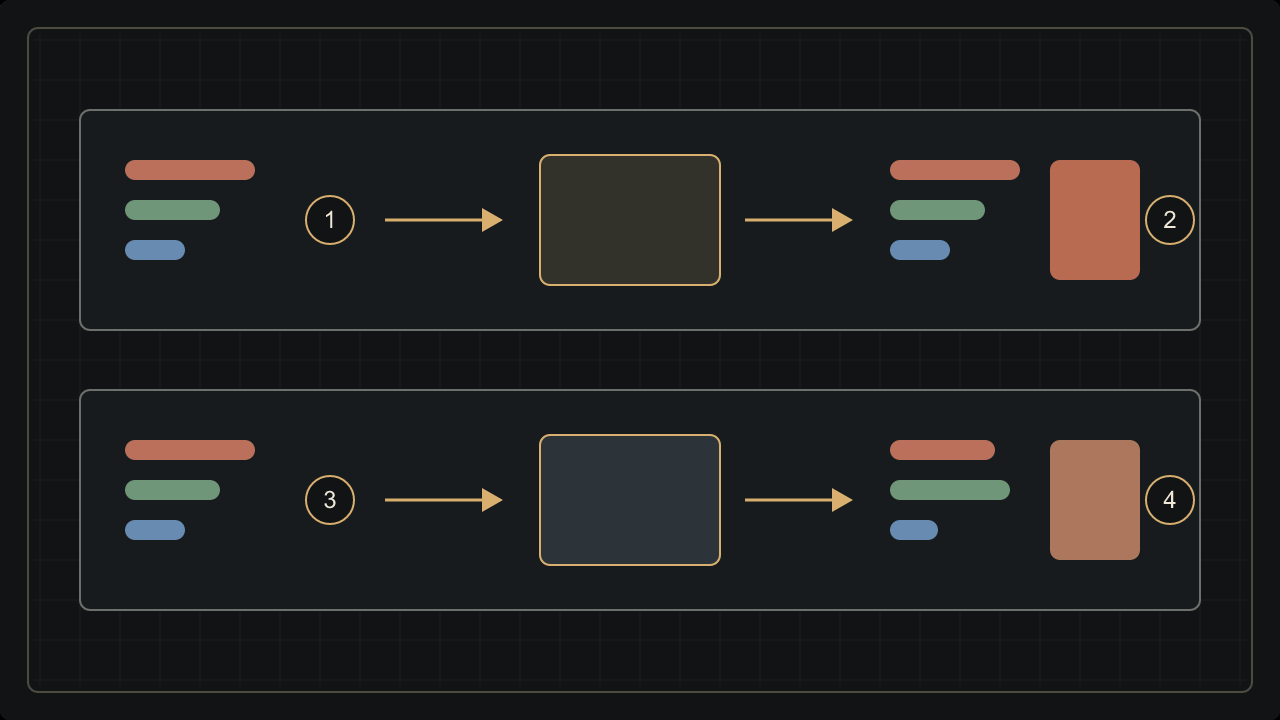
Think of translation: assigning resembles changing a text’s language label; converting resembles translating its meaning. The analogy is limited but prevents a common mistake. If a profile is missing and the source is unknown, preserve an untouched copy and investigate its export history rather than promising certain recovery from an appealing guess.
A profile does not work by itself
A managed chain needs a source description, a destination and a way to connect them. ICC architecture uses a profile connection space to relate the descriptions. For display, a system or application uses both the image profile and the profile associated with the screen. An embedded image profile does not replace a display profile.
The application and file format still need to follow that chain correctly. Two programs, a simplified preview or a service that re-encodes an upload may handle the information differently. Avoid blaming every difference on one setting. Start by comparing the same exported file, with its profile, in applications whose colour behaviour is understood.
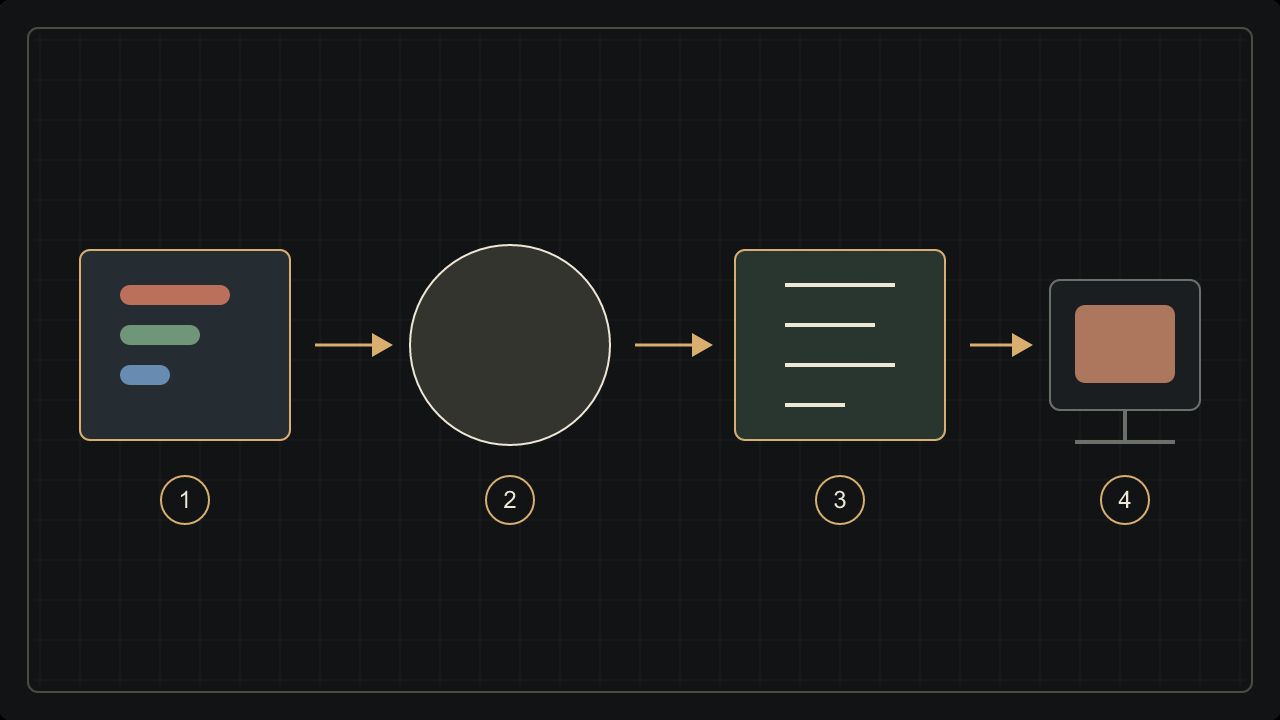
A screenshot or a file passed through messaging is not necessarily an untouched sample of the original. Each is another production or transmission stage. Before changing a master image to compensate for a suspicious preview, inspect metadata and the path it followed. Diagnosing the chain avoids piling one correction onto another and losing the intended result.
The display and the room shape what you see
Calibration adjusts a device towards chosen behaviour; characterization then describes that behaviour in a profile. The two are related rather than interchangeable. A profile cannot give a display colours it physically cannot reproduce. Nor does it eliminate every variation in viewing angle, ambient light or the behaviour of ageing equipment.
A bright room, a warm night-viewing mode or automatic brightness can change a judgement. Stabilize conditions for comparison rather than placing a very bright screen beside a print in shade. Paper whites depend on the light illuminating them; display whites are produced differently. Colour perception adds the observer’s role to this chain.
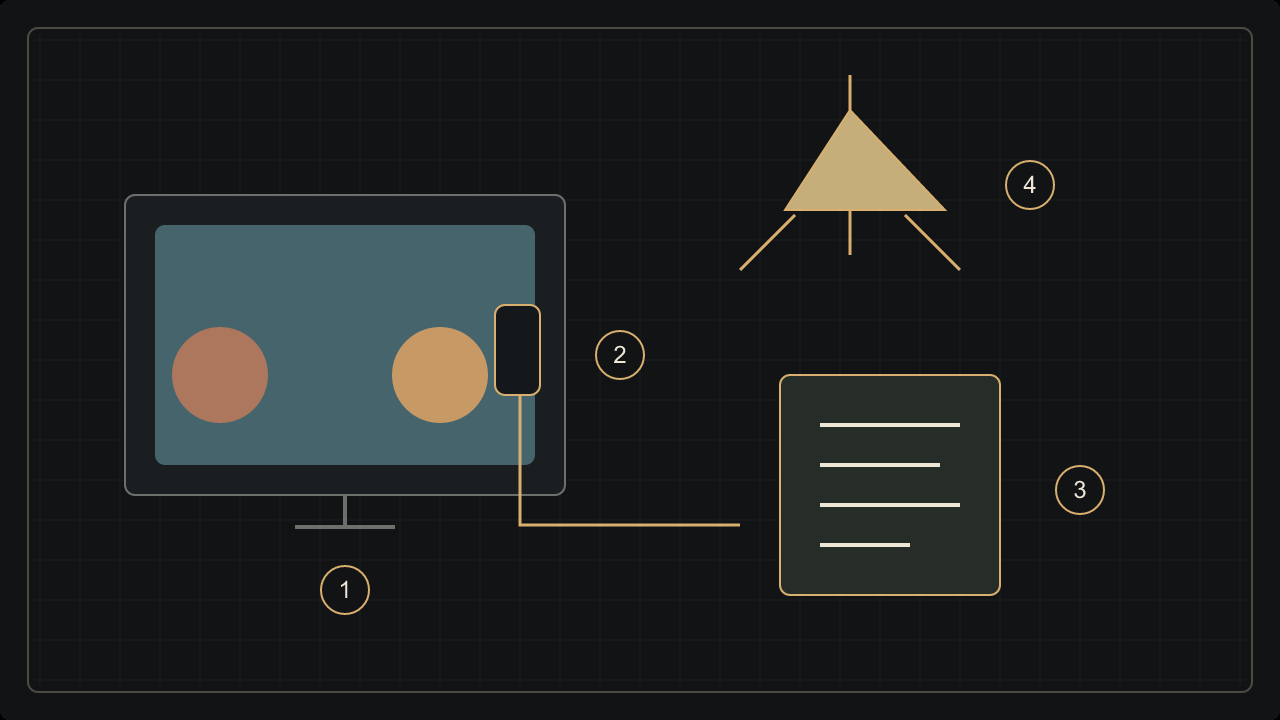
Colour management promotes consistency; it cannot promise identical perception for every person, room and device. This is a reason to test an actual destination rather than abandon documented practice. A pleasing image on one screen remains an artistic choice. Faithful communication between devices also requires a method and known viewing conditions.
Export cleanly without sacrificing the master
Keep the master with its history and make a separate sharing copy. For varied audiences and tools, converting that copy to sRGB and embedding its profile is often a practical starting point. Display P3 is not forbidden: a compatible chain can use wider-gamut exports, provided the result is checked rather than universal support assumed.
Inspect skin, gradients, strong reds and greens, and shadow separation. Reopen the actual export rather than judging only the working window. If a platform transforms it, inspect the file it really serves. A good conversion cannot fix an original white-balance error, excessive grading or highlight information already lost. These are separate photographic decisions.
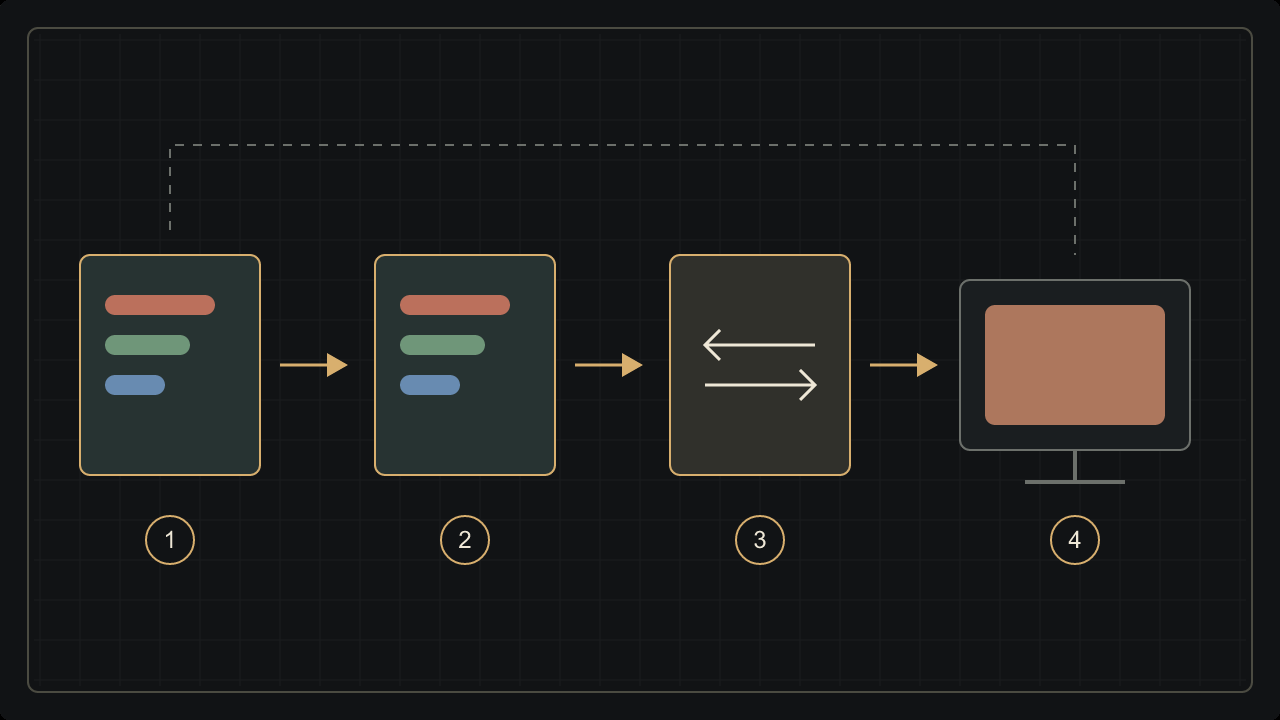
The useful question is not which profile makes every photograph prettier, but which chain best preserves the intention for this destination. Capture, film processing, scanning, editing and publishing are distinct steps. Naming them reveals where to act without mistaking a screen’s behaviour for a mysterious property of the film.
Sources and further reading
- ICC — Frequently Asked Questions: profiles and colour management
- W3C — CSS Color 4: predefined colour spaces and gamut mapping (working specification)
- ICC Registry / Apple — Display P3 Color Encoding
- Adobe — Assign or convert a document colour profile
- ICC Registry — sRGB profiles and rendering intents
- ICC — Display calibration and profiling
- Adobe — Workspace setup for colour printing
- ICC — Introduction to the profile format and Profile Connection Space
From reading to making images
Discover the applicationKeep exploring
All stories
Colour is not just in the pixel: how our eyes construct it
Cones, context, constancy and colour vision differences: why identical RGB values do not always create the same impression of colour.
Read the story
Why the same colour changes under different light
Light spectra, metamerism and white balance: understand why skin, clothing or a print can change colour with the lighting.
Read the storyShare this article
An idea worth passing on.